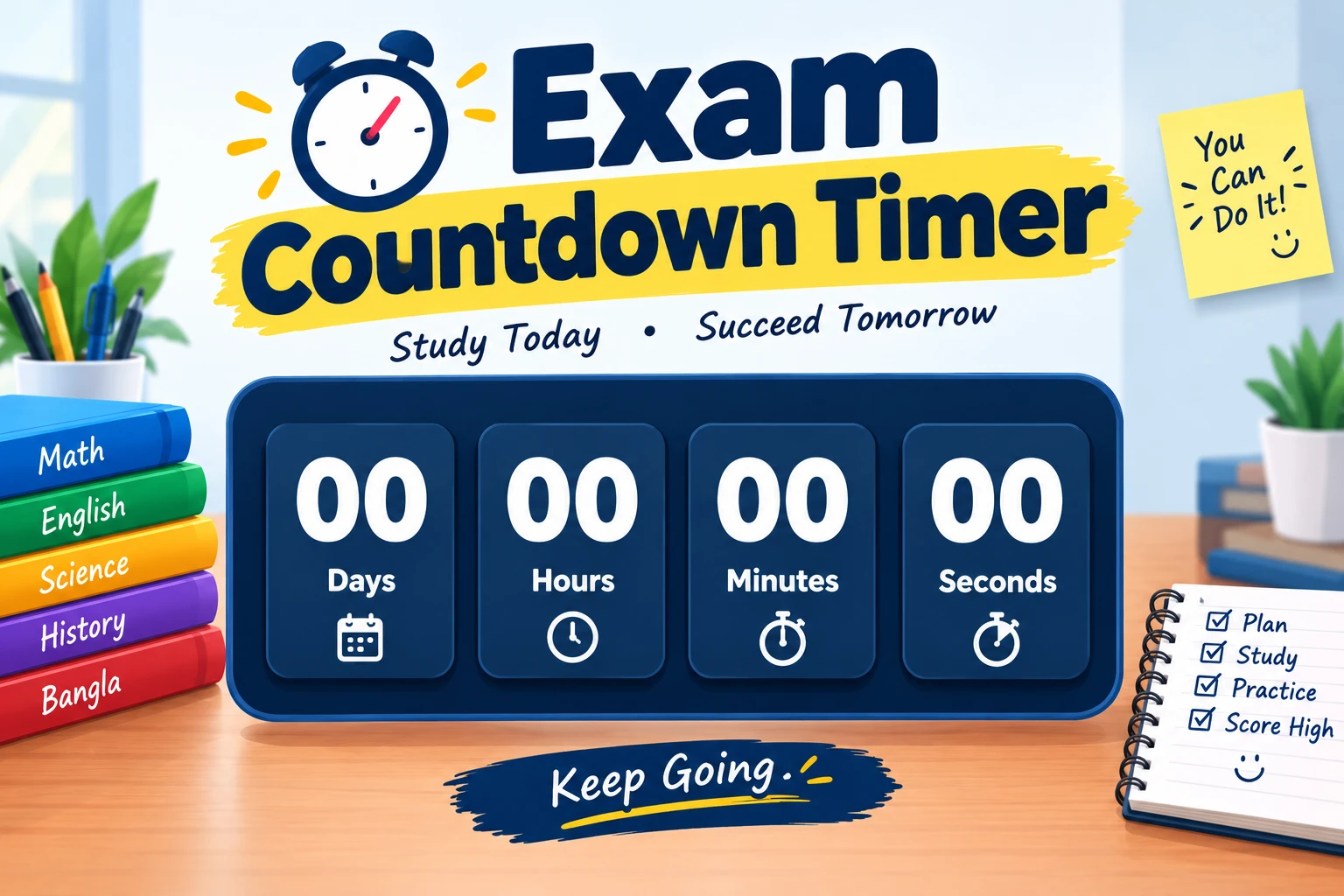
An Exam Countdown Timer helps students track the time remaining before an upcoming exam. It can show the remaining days, hours, minutes, and seconds until your exam date.
Whether you are preparing for school exams, university examinations, board exams, O Levels, CIE, Cambridge exams, or GCSE exams, an exam countdown timer online can help you keep track of your exam schedule.
What Is an Exam Countdown Timer?
An exam countdown timer is an online countdown clock that calculates the time remaining until a specific exam date and time.
You can use it for:
- Final exams
- Midterm exams
- School exams
- University exams
- Board exams
- O Level examinations
- CIE examinations
- Cambridge exams
- GCSE examinations
- Exam results
Simply enter your exam date and time, and the countdown shows how much time is left.
How Does an Exam Countdown Timer Work?
An online exam countdown timer uses your selected exam date and the current date and time to calculate the remaining time.
It can display:
Days → Hours → Minutes → Seconds
For example, if your exam is scheduled for a future date, the timer continuously updates the time remaining until the exam.
This makes it easy to check how many days are left for exams without manually calculating the dates.
How to Set an Exam Countdown
Setting an exam countdown timer online is simple:
- Enter your exam date.
- Select the exam time if required.
- Enter the exam name.
- Start the countdown.
- Check the remaining days and time.
You can create separate countdowns for different subjects or examinations.
Exam Countdown for Students
An exam countdown for students can be useful during exam preparation. Students can use it to plan revision, organize their study schedule, and keep track of upcoming examinations.
For example, you can create countdowns for:
- Mathematics exam
- Science exam
- English exam
- Final exams
- Board exams
- University exams
- O Level exams
A countdown does not replace a study plan, but it can help you stay aware of your exam deadline.
O Level, CIE and Cambridge Exam Countdown
Students preparing for O Level, CIE, and Cambridge examinations can use an exam countdown to track their scheduled exam dates.
For students in Pakistan, an O Level exam countdown Pakistan or CIE exam countdown Pakistan can be useful for monitoring upcoming papers.
Always check your official examination timetable for the exact date and time.
GCSE Exam Countdown
Students preparing for GCSE examinations can also use an online exam countdown timer to track their exam dates.
Enter the exact examination date and time to see the days remaining until the exam.
Exam Results Countdown
A countdown can also be used for exam results.
An exam results countdown timer can help students track the expected results date. However, results dates can sometimes change, so always confirm the final date from the relevant school, university, examination board, or official announcement.
Why Use an Exam Countdown Timer?
An exam countdown clock can help students:
- Track upcoming exams
- Know the days left
- Plan revision
- Organize study time
- Remember exam dates
- Monitor final exam deadlines
- Prepare for multiple examinations
Frequently Asked Questions
What is an exam countdown timer?
An exam countdown timer shows the remaining days, hours, minutes, and seconds until a scheduled exam.
How does an exam countdown timer work?
Enter your exam date and time. The timer calculates the remaining time automatically.
Can I use an exam countdown timer on desktop?
Yes. An online exam countdown timer can be used on a desktop or laptop through a web browser.
Can I create a countdown for final exams?
Yes. You can create countdowns for final exams, midterms, board exams, or individual subjects.
How many days are left until my exam?
Enter the exact exam date into the countdown timer. It will calculate the remaining time.
Can I use an exam countdown for Cambridge exams?
Yes. You can use a countdown to track Cambridge, CIE, and O Level examination dates. Always confirm the dates with the official timetable.